

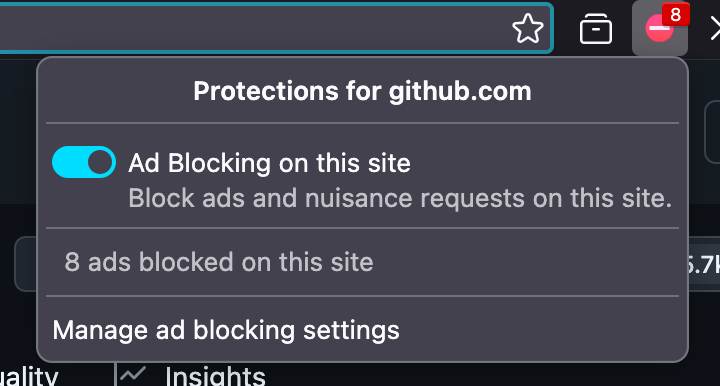
To test drive this I needed to apply some configuration tweaks, but the built-in ad blocker seems to just work. I tried it out on YouTube and a few other sites, and I haven’t seen so much as a hitch.
Here’s a look at the configuration screen, which currently resides at the top of Settings > Privacy:
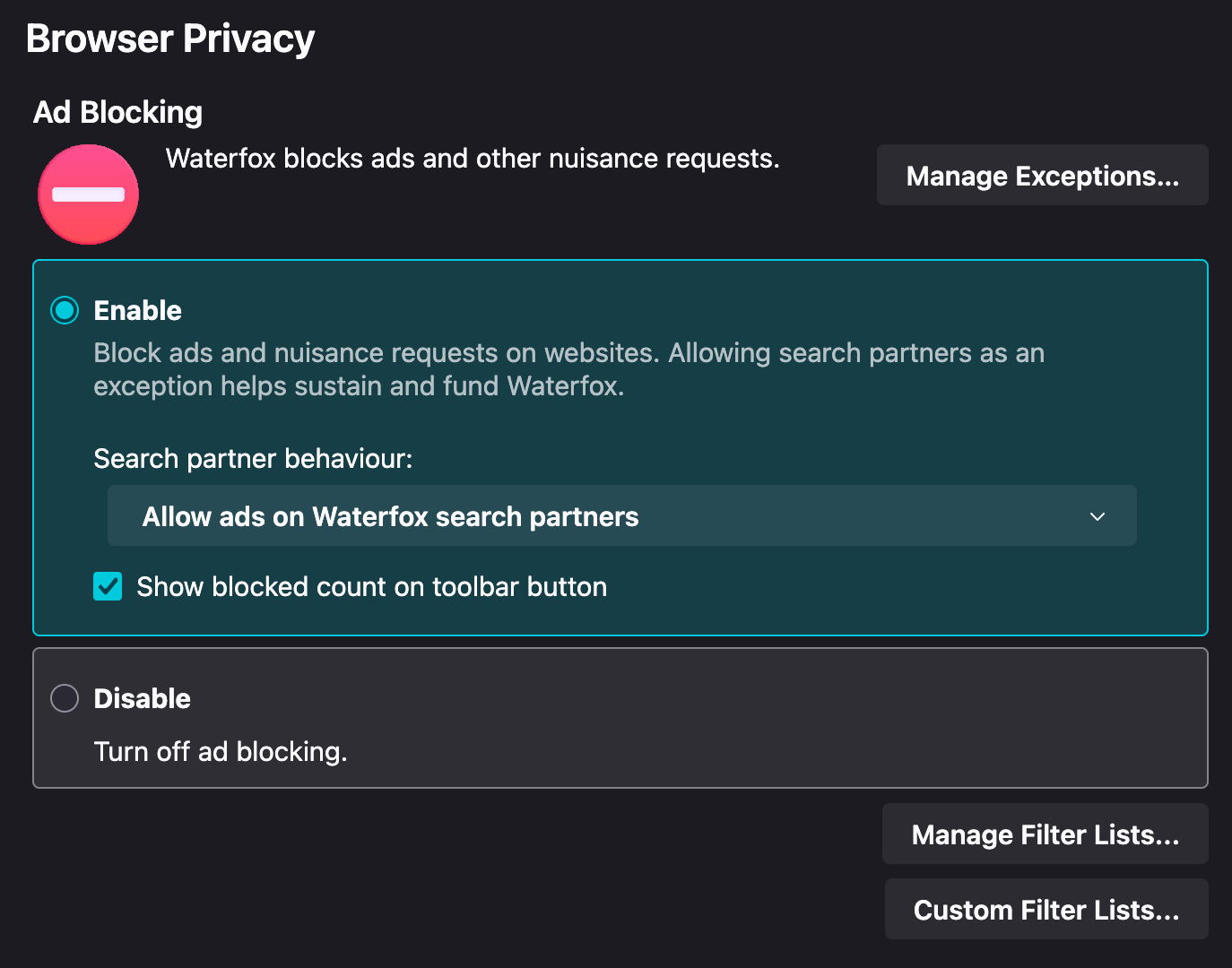
Ads from the default search provider are enabled (per their request), but disabling them is pretty straightforward. Other functionality, like toggling the default filter lists (12 are enabled by default) or adding your own are accessible via buttons.
Lists enabled by default:
- Default
- EasyList
- EasyPrivacy
- uBO Filters
- uBO quick-fixes
- uBO unbreak
- Privacy
- AdGuard Tracking Protection
- Peter Lowe’s Ad and Tracking Server List
- uBO Badware
- uBO Privacy
- uBO Resource Abuse
- Annoyances
- EasyCookie
- uBO annoyances-cookies
Other available lists:
- Fanboy’s Annoyances
- Fanboy’s Anti-Chat
- Fanboy’s Anti-Newsletter
- Fanboy’s Mobile Notifications
- Fanboy’s Social
- 34 more Regional lists
My understanding is that this ad blocker is running at rhe browser engine level and is therefore faster and more powerful than a JavaScript tool limited by the manifest API. I love uBlock origin and have been using it for years, but if this is better, why be hostile to it?
Because this is from Brave which doesn’t have the greatest rep.
It’s a Rust implementation of ad blocking, which is separate from the Brave code people don’t like.
If we wrote off all code written by bigots, we couldn’t use old Firefox code. Or new Firefox code.
I’d be fine with that.