

I read every single day. At home it’s on my Kobo running KOReader (yes, I’m that open-source guy), and I love it. The problem: I don’t always have the e-reader on me. On the train, at work, waiting somewhere — I just have my phone.
I tried Kobo’s own Android app to bridge the gap and… I really didn’t like it. Promos everywhere, adding your own books is a pain, the reader itself feels clunky, and the Wi-Fi handling is annoying.
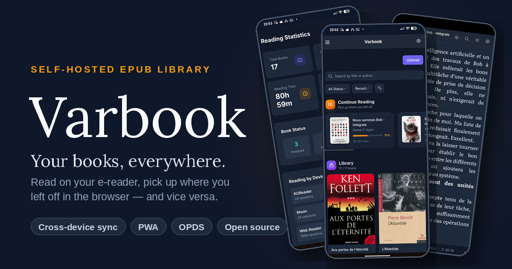
So I built my own thing: Varbook, a small self-hosted EPUB library.
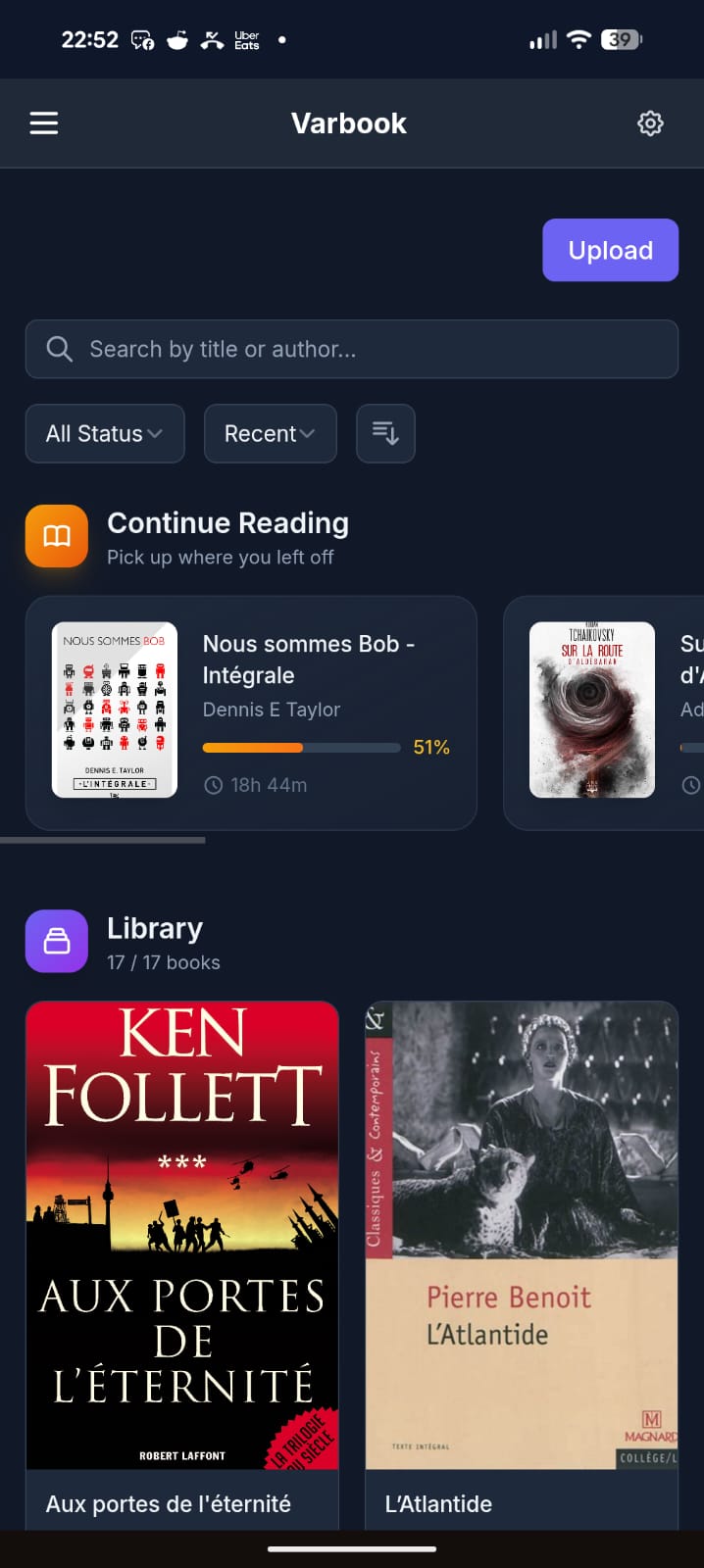
You drop EPUBs into it in one click. From there:
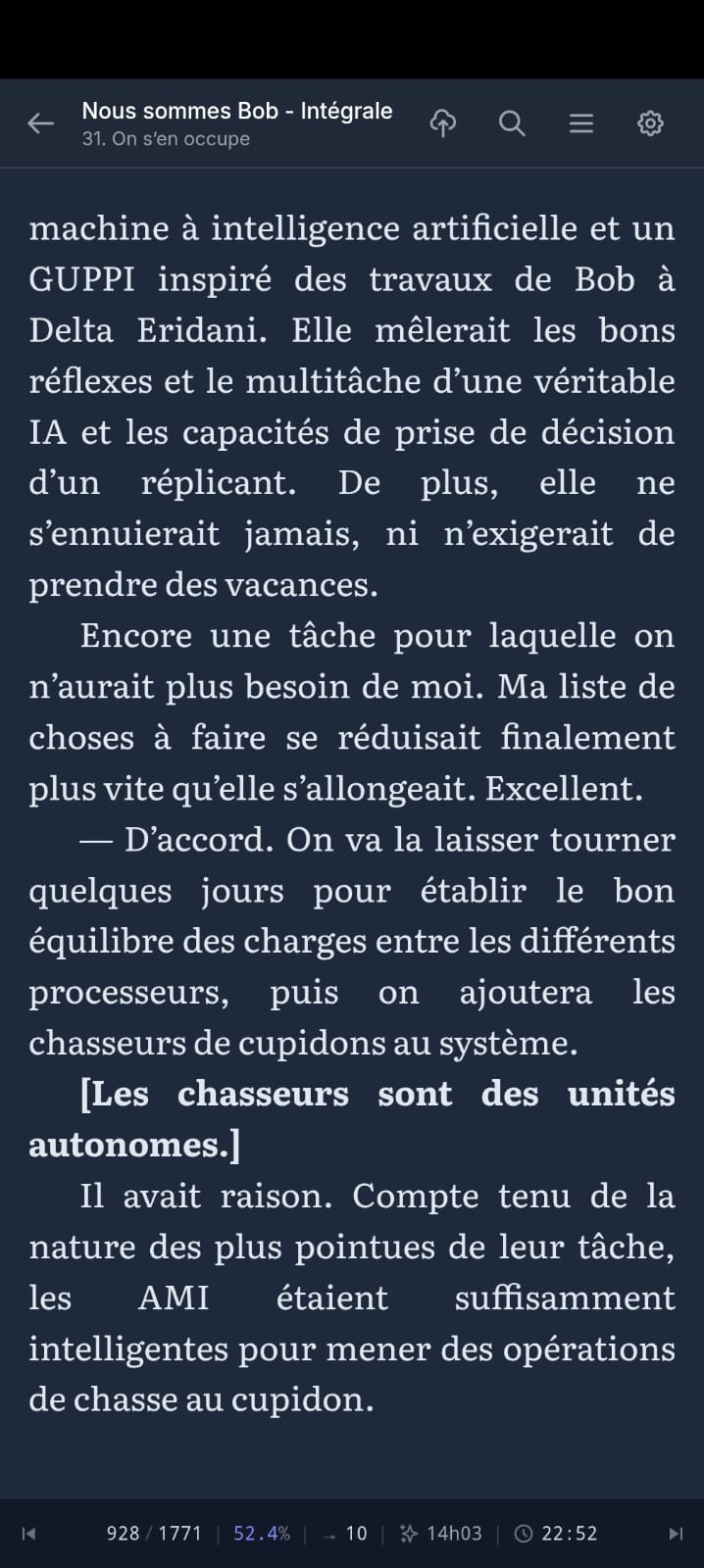
- They’re readable on your phone through a simple but well-made PWA. Books are cached locally, so you can read offline; when you’re back online your reading position syncs to the server.
- The server exposes everything over OPDS, so any compatible app works (KOReader, Moon+ Reader, etc.).
- I also wrote a KOReader plugin that pushes/pulls your reading position to the server in a single gesture.
My actual daily workflow:
- Evening, at home: I wake up my Kobo in KOReader, tap the top-right corner → Wi-Fi turns on, my current book jumps to the right position, Wi-Fi turns back off to save battery.
- I read.
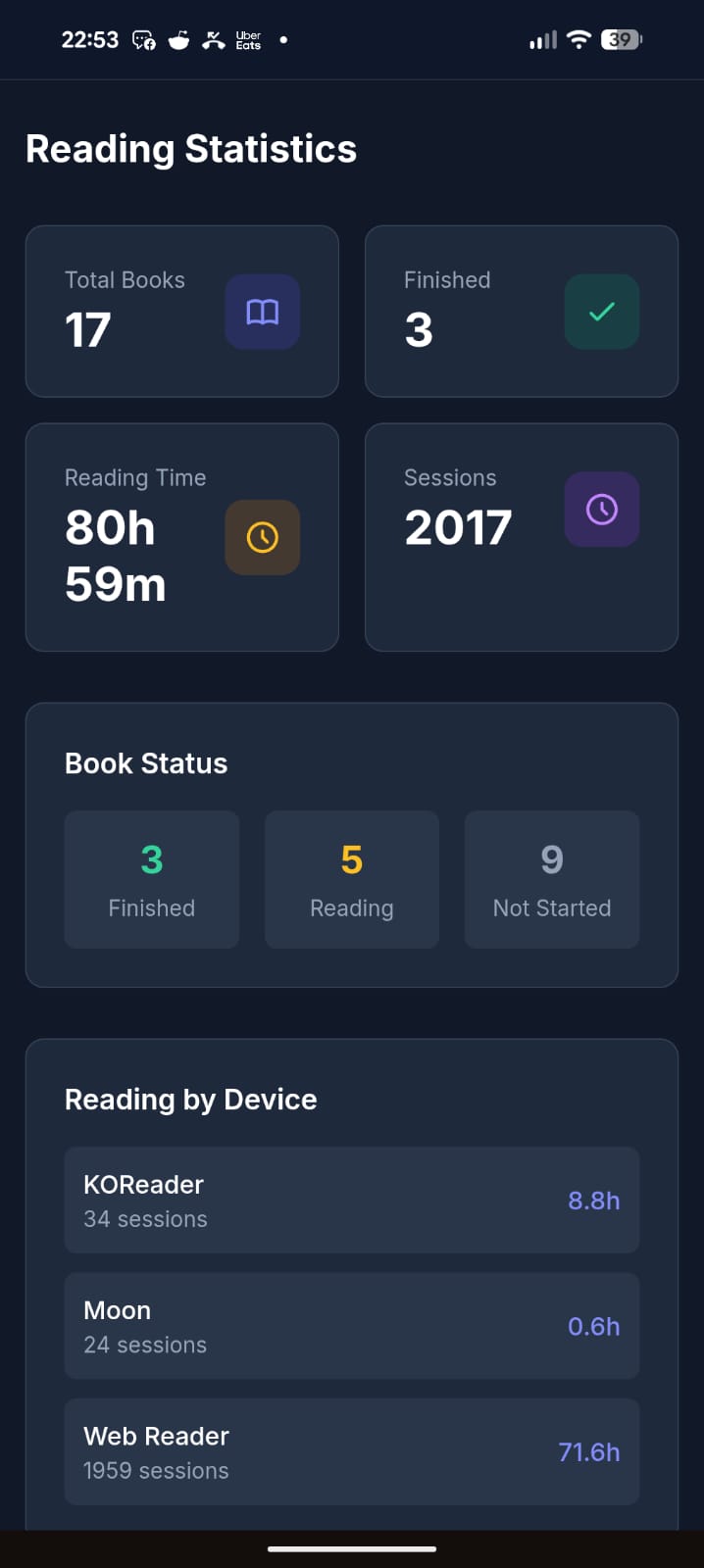
- Done reading: tap the top-right corner again → Wi-Fi on, my reading time + position sync to the server.
- Next day, at work: I open the PWA on my phone. It drops me exactly where I left off, and syncs my position on every page turn.
- Evening: back to the Kobo, which picks up my position from the phone.
All of this with fully open-source software, no commercial service in the loop, my books staying on my own server.
The trickiest part was cross-device position sync — every reader engine (epub.js in the browser, KOReader’s CREngine, Moon+) tracks position differently. Varbook uses a “pivot” format based on EPUB spine items (chapter index + percentage) so your position survives the jump from one device to another without throwing you 30 pages off.
It’s open source (MIT), built with Laravel + React, and ships as a single Docker container (SQLite by default, no external DB needed). The entire UI is translated in English, French, and Spanish.
Honest disclaimer: a good chunk of this is vibe-coded. That said, I’ve been a developer for 20 years, so it’s opinionated vibe-coding — I know what I’m looking at. It’s been used daily and intensively by about 5 people for the last 3 months, and I keep improving it regularly. It’s not bug-free, but I’d call it reasonably stable. I’m being upfront so you know what you’re getting into.
There’s a free public instance if you just want to try it without installing anything: https://varbook.hophop.be/
- Full write-up on my blog: https://trucs.hophop.be/en/blog/varbook-bibliotheque-epub-self-hosted
- Code: https://github.com/ndieschburg/varbook
- KOReader plugin: https://github.com/ndieschburg/varbook.koplugin
Happy to answer questions or hear what’s missing — it scratches my own itch, but I’d love to know if it’s useful to anyone else.
How do you reconcile the Kobo wanting to sync reading position every time you turn it on? Or is that not a problem with your workflow?
I have issues in my own app and some other containers where the kobo is slow to upload reading stats, so every time my kobo wakes up, it throws up a dialog asking if I want to skip to my latest reading position. If I pick yes, it dumps me back 10-20 pages.
It’s easy enough to say no but it’s so annoying to have a delayed dialog every time I wake the thing up.
Not a problem for me, because my sync is manual, not automatic. I assigned it to a gesture (tap the top-right corner): wifi on, sync, done. Waking the device doesn’t trigger anything, so I never get that “jump to latest position?” dialog.
I did it this way mainly for battery, I don’t want wifi turning on every time the Kobo wakes up. And I push my position at the end of my reading, so the server is always up to date and there’s nothing stale to pull next time.
I did think about auto-syncing when you open a book, but haven’t done it yet, partly for the reasons you mention. For now the manual gesture works well for me.